


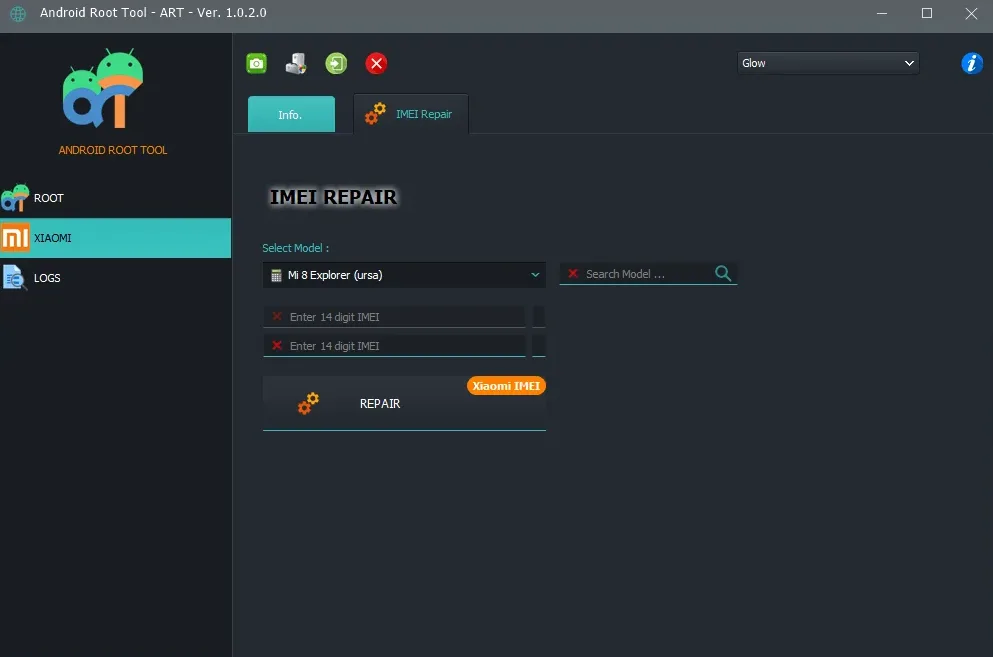
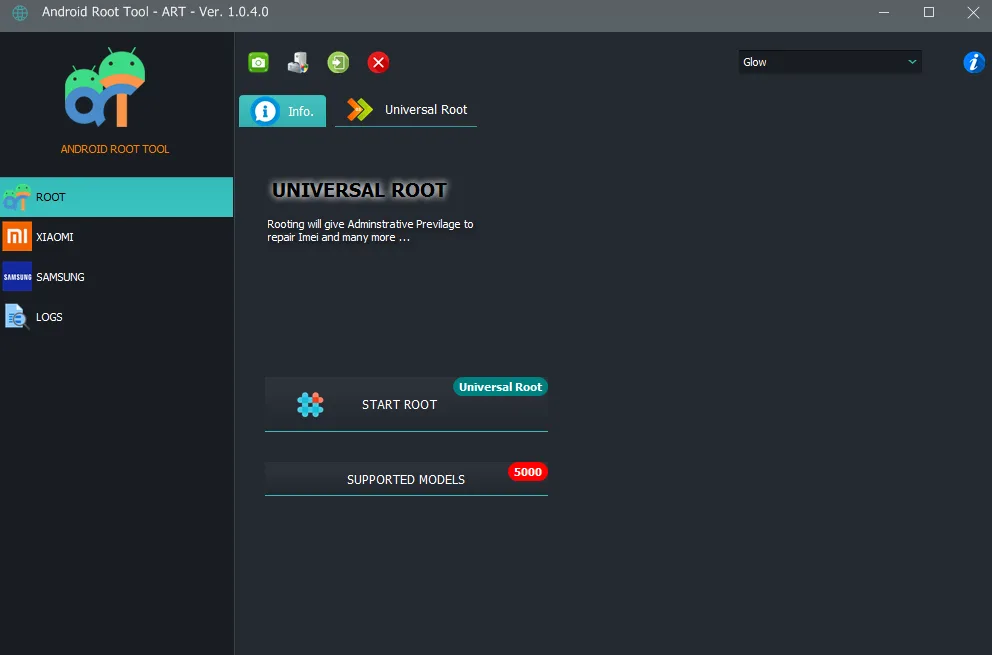
Android Root Tool - This is a multifunctional tool for professionals and enthusiasts that allows you to perform advanced service operations with Android devices.
The program provides a single interface for quickly and safely solving common problems without using the command line or complex technical manipulations. Android Root Toolautomatically detects the model of the connected device and applies the appropriate proven method.
Key capabilities
- Root management Securely gain full root access using up-to-date methods (including Magisk-based), and cleanly remove all traces of root for a factory reset. Flagship chipsets (Exynos, Snapdragon) and MIUI/HyperOS firmware are supported.
- Unlocking the bootloader. Official and bypass unlocking the bootloader on Xiaomi devices. Enables temporary unlocking feature on HyperOS without Mi authorization for flashing engineering images (with security patch date limitation) and permanent unlocking for devices running Snapdragon 8 Elite (Xiaomi 17 series, Redmi K90 Pro).
- FRP and Mi account bypass. Removing the link to a Google account (FRP) after a reset on Samsung (Android 5–14) and Xiaomi (Android 8–14) devices, as well as bypassing the Mi account lock without having to enter the original data.
- Service operations. Permanent software unlocking of carrier lock (SIM lock) on Samsung, as well as work with IMEI and DIAG port on Xiaomi devices.
- Wide compatibility The tool supports more than 1,500 models from brands such as Samsung (Galaxy S, A, M, Note, Tab series) and Xiaomi (Redmi, POCO), and regularly expands the base of supported devices with each update.
How it works
- Installation and connection. You need to download and install the application on a Windows PC, enable USB debugging mode on your phone and connect it to the computer with a cable.
- Auto-detection. The program will automatically detect the device model and suggest operations available for it.
- Start an operation. The user just needs to select the desired function (for example, “Root”) and press the corresponding button. The application will perform all the necessary manipulations; the process usually takes from 2 to 5 minutes.
- Security. Before making any changes, the program creates a backup copy of the system, which allows you to restore the device in case of an unexpected situation.
Additional information
https://www.androidroottool.com - official website of the program
https://www.androidroottool.com/brands - list of supported models
To activate the license, you need to register in the program. Before paying for the order, please indicate your registered Email.
We are not responsible for your actions and for the status of the program server.
Similar
-

SAMKEY TOOL
$ 34.4 51.6Price range: $ 34.4 – $ 51.6 Select options This product has several variations. Options can be selected on the product page. -

Z3X SAMSTOOL
$ 14.25 66.4Price range: $ 14.25 – $ 66.4 Select options This product has several variations. Options can be selected on the product page. -

TURBO SERVICE MOBILE (TSM)
$ 5.95 77.7Price range: $ 5.95 – $ 77.7 Select options This product has several variations. Options can be selected on the product page. -

CHIMERA TOOL
$ 126.05 239.55Price range: $ 126.05 – $ 239.55 Select options This product has several variations. Options can be selected on the product page.