

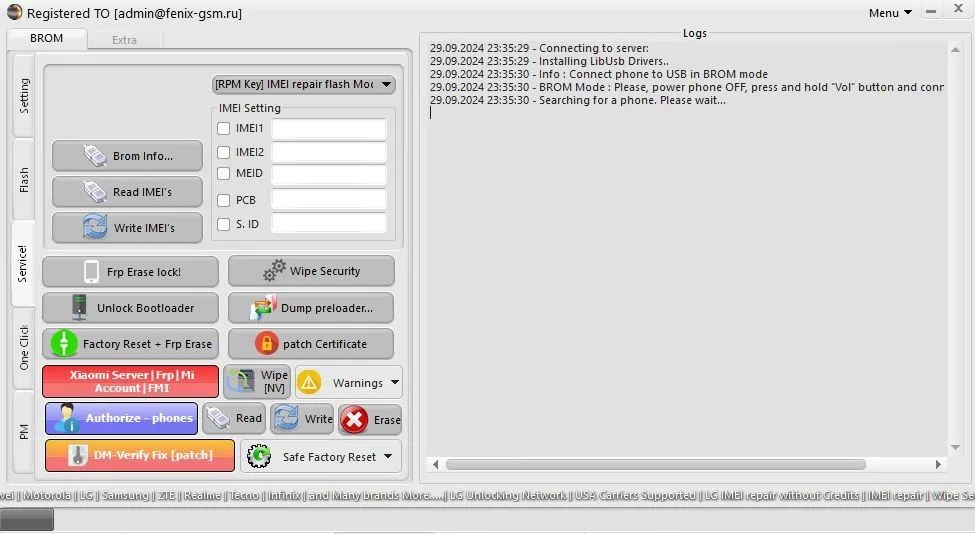
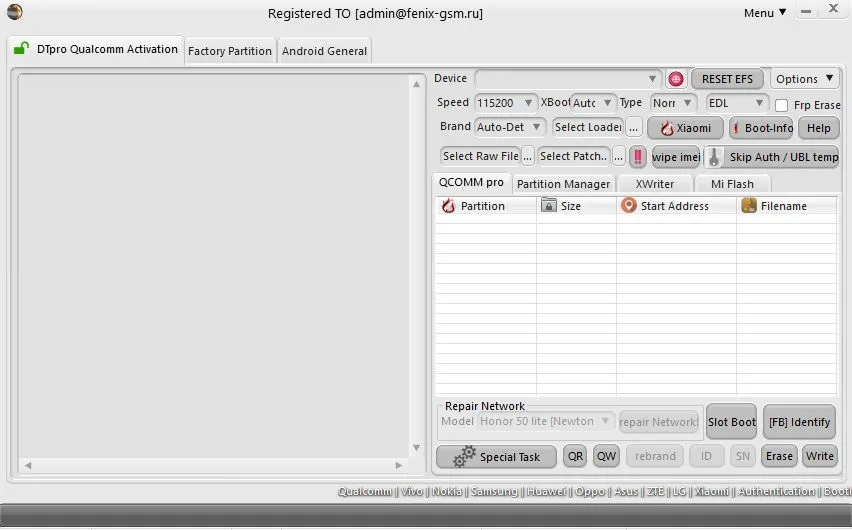
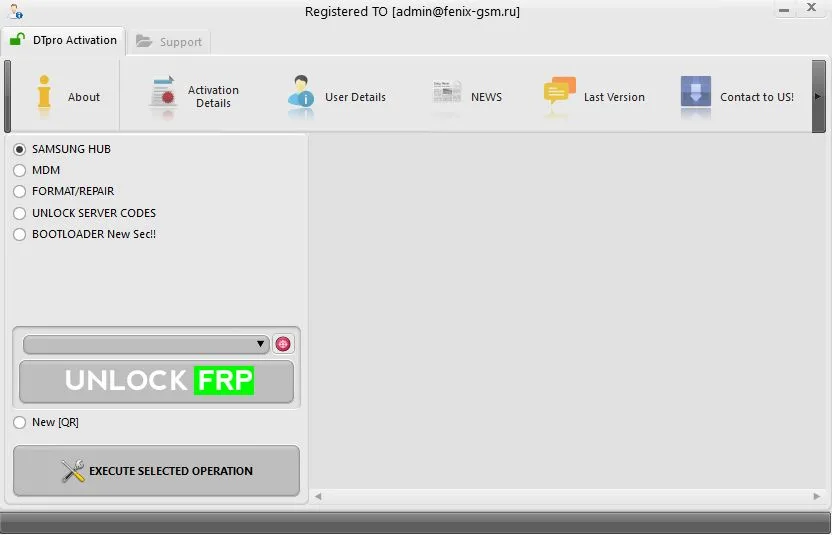
DT Pro Tool is a specialized software tool designed for efficient maintenance, repair and troubleshooting of software problems on Huawei smartphones and more. The utility allows you to perform tasks such as downgrading the firmware version, unlocking and restoring the device at home or within a service center.
Why choose DT Pro Tool:
- Full compatibility with Huawei devices - accurate work with firmware and system partitions.
- Downgrading the OS version (DOWNGRADE) - the ability to return to a stable firmware version.
- Software crash repair - eliminating freezes, cyclic reboots, bootloops, bootloader errors and other malfunctions.
- Supports a variety of models - from popular series to models with limited access to recovery.
- Intuitive interface - suitable for both beginners and professionals.
- Economical solution - renting an account for 24 hours will cost less than repairs at most service centers.
You don't need to have extensive technical knowledge to get started with DT Pro Tool. Install the program and get access to phone recovery in just a few steps. This is an ideal option for both craftsmen and users who decide to restore the device themselves.
Additional information
https://emmcpro.com - official website of the program
https://emmcpro.com/Revision - downloadable programs
https://youtu.be/MlH8zFcSHn4?si=BtwIBe60vZcd9bRS - instructions for changing HWID (launch on PC)
Password for all archives: WhosYourDaddy
Start the program:
— Buy a DT Pro license
- Download and extract the Manager
software
— Launch the Manager software:
- enter your email address
- enter password
- enter activation code
- click “LOGIN.”
To activate the license, after paying for the order, you will receive a unique code for registering an account. There will be 12 credits on your balance, which can be used for functions within the program and for changing the HWID PC.
We are not responsible for your actions and the status of the program server.
Similar
-

TURBO SERVICE MOBILE (TSM)
$ 3.6 78.1Price range: $ 3.6 – $ 78.1 Select options This product has several variations. Options can be selected on the product page. -

EME MOBILE TOOL (EMT)
$ 15.85 48.3Price range: $ 15.85 – $ 48.3 Select options This product has several variations. Options can be selected on the product page. -

GRIFFIN-UNLOCKER TOOL
$ 29.5 121.35Price range: $ 29.5 – $ 121.35 Select options This product has several variations. Options can be selected on the product page. -

PANDORA TOOL
$ 85.25 85.35Price range: $ 85.25 – $ 85.35 Select options This product has several variations. Options can be selected on the product page.