


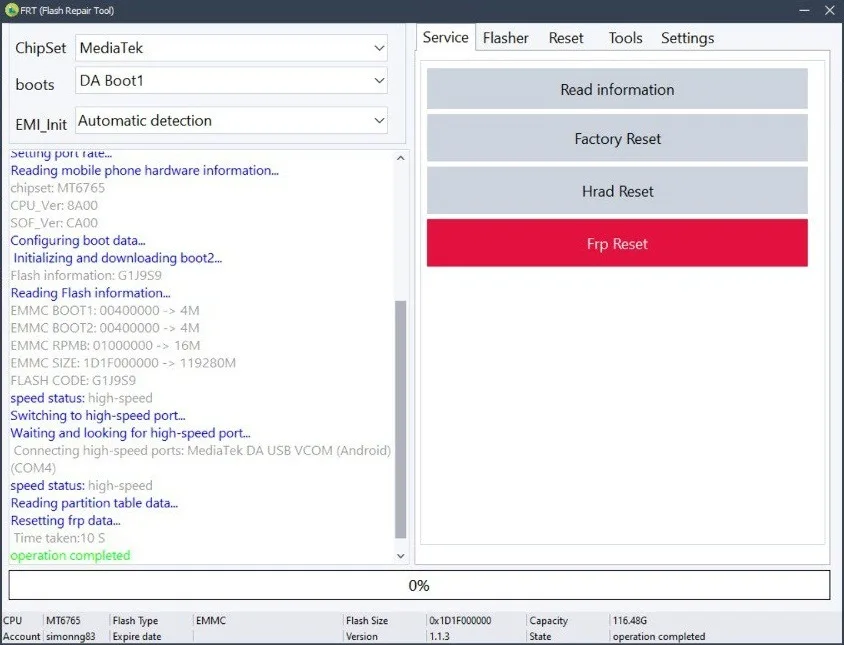
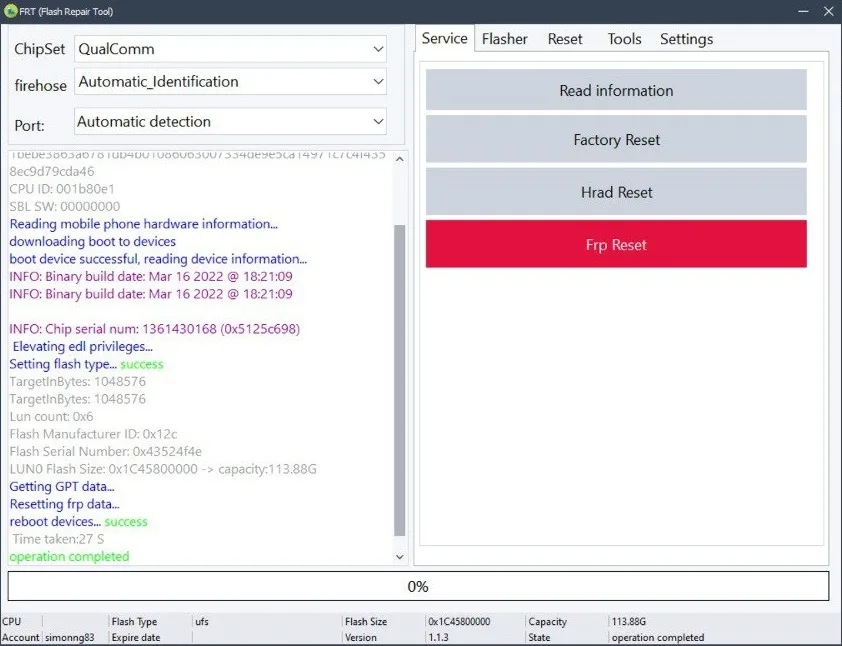
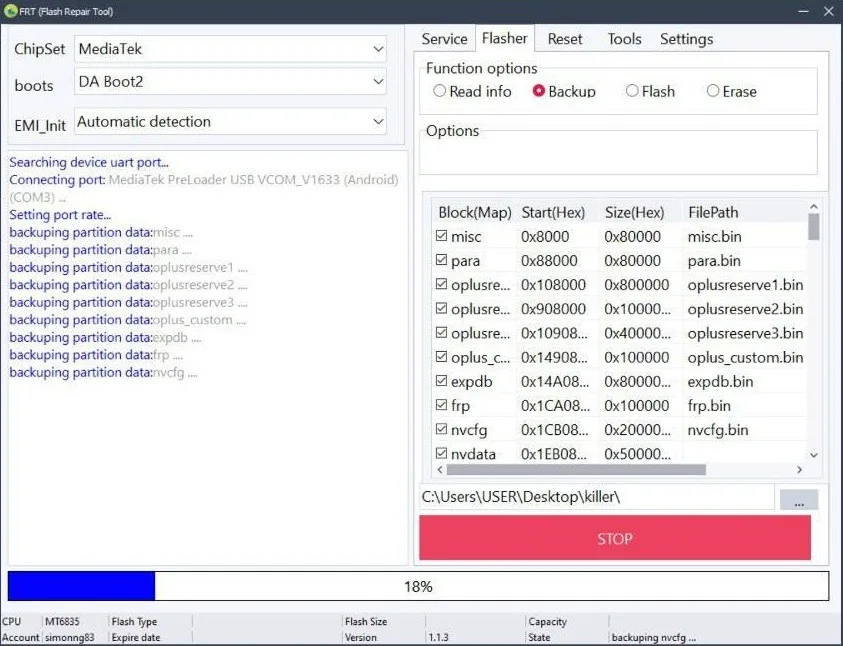
FRT Flasher Tool is a powerful and versatile software tool designed to meet the needs of both professional professionals and casual users. The tool is ideal for managing, repairing and configuring Android devices based on MediaTek (MTK) processors. The platform provides a full set of functions for installing stock firmware, installing custom ROMs or bypassing FRP lock, allowing you to perform all these tasks as efficiently as possible.
Main functions
- Read information: Get detailed information about the device.
- Factory reset:Returns the device to its original state.
- Hard Reset:Fix serious problems with a hard reset.
- FRP reset:Bypass factory reset protection lock.
- Qualcomm firmware extraction: Extract files from OFP packages for devices based on Qualcomm chipsets.
- Extracting MediaTek firmware: Extracting files from OFP packages for devices based on MediaTek chipsets.
- Super IMG packaging: creating Super IMG images for subsequent firmware.
Firmware capabilities
- Read information:Displays device parameters.
- Backup:Saving device data.
- Firmware: writes firmware or other files to the device memory.
- Wipe:Deletes data or erases individual sections.
Reset operations
- Factory Reset: Restoring the factory state.
- Hard Reset: A hard reset to fix critical failures.
- Soft Reset:A soft reboot to fix minor problems.
- RPMB Reset: Reset the protected memory section with retry control.
- FRP Reset: Bypass FRP lock.
- Reset Persist: Clears the persistent storage partition.
- Reset Modem: Resets the modem partition.
RPMB functions
- Backup: Create a backup copy of RPMB data.
- Write (Flash): flashing data to the RPMB partition.
- Cleanup:Deletes data from RPMB.
Instructions for using Flash Repair Tool (FRT)
- Download the latest version of the program from the link above.
- Extract the archive on your computer using WinRar or 7zip.
- Run the file “frt.exe” as an administrator.
- Follow the on-screen instructions to complete the installation.
- After installation, launch FRT from your desktop.
- Login: username - admin, password - 123456.
- Connect your phone.
- Select the required function.
- After the operation is completed, the device will reboot.
- The procedure was completed successfully, the device is unlocked.
Troubleshooting tips
- If the computer does not recognize the device, reinstall the USB driver, change the COM port, and restart the computer.
- Use a quality USB cable for a stable connection and fast data transfer.
- If the installation fails, temporarily disable Windows Defender, antivirus, or other security programs.
Additional information
https://www.frttool.com - official website of the program (Password for the archive: a2gsmtool.com)
You do not need to register to get your license activated. You will receive a login and password after payment.
We are not responsible for your actions and the status of the program server.
Similar
-

SAMKEY TOOL
$ 19.05 281.5Price range: $ 19.05 – $ 281.5 Select options This product has several variations. Options can be selected on the product page. -

ANDROID MULTI TOOL (AMT)
$ 1.1 32.2Price range: $ 1.1 – $ 32.2 Select options This product has several variations. Options can be selected on the product page. -

UNI ANDROID TOOL (UAT)
$ 11.75 68.4Price range: $ 11.75 – $ 68.4 Select options This product has several variations. Options can be selected on the product page. -

EME MOBILE TOOL (EMT)
$ 15.85 50.25Price range: $ 15.85 – $ 50.25 Select options This product has several variations. Options can be selected on the product page.