


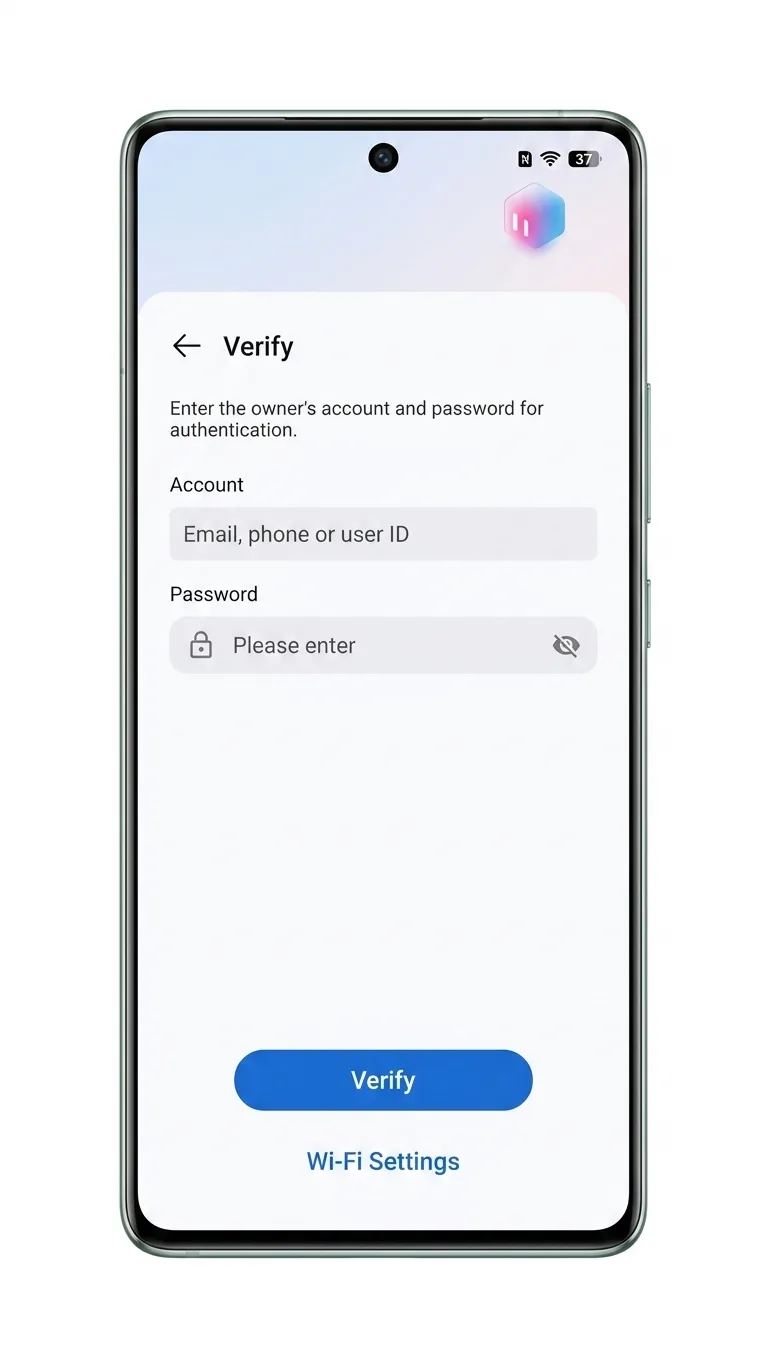
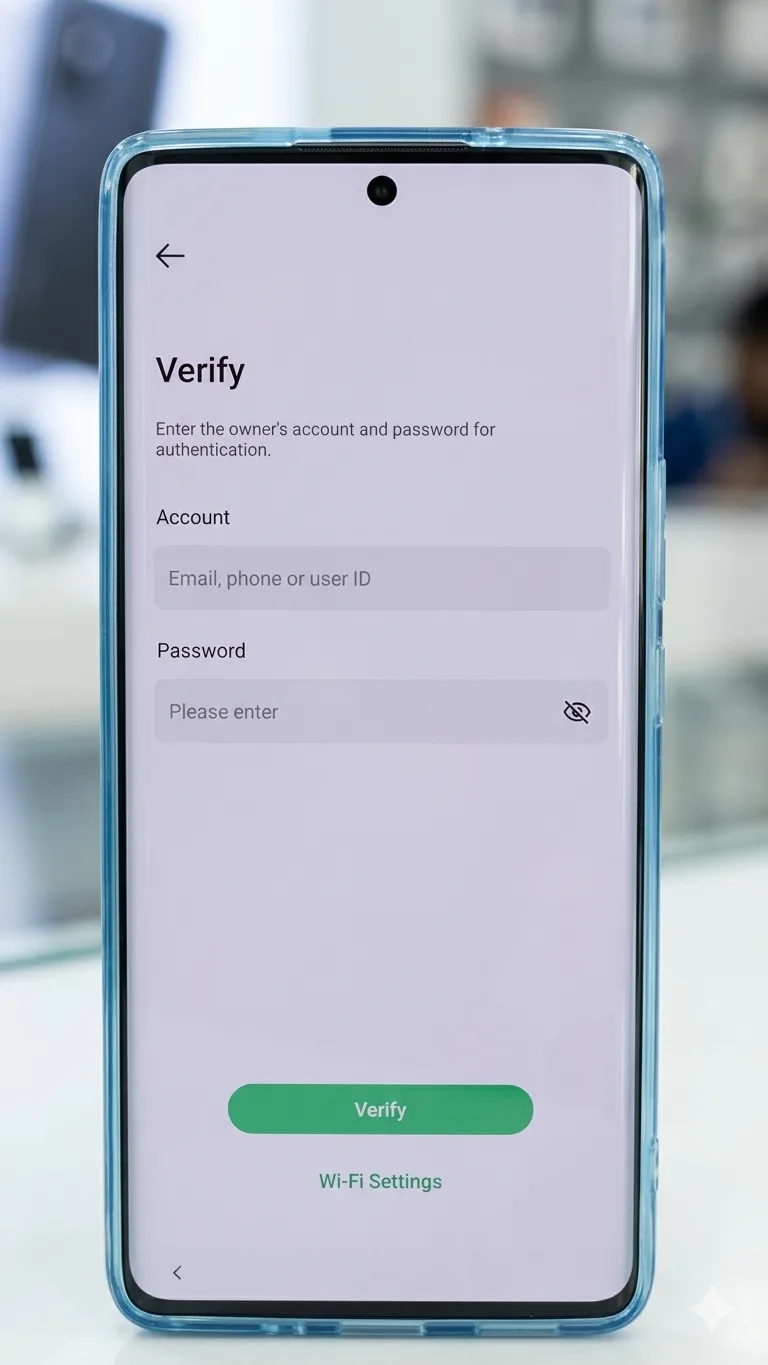
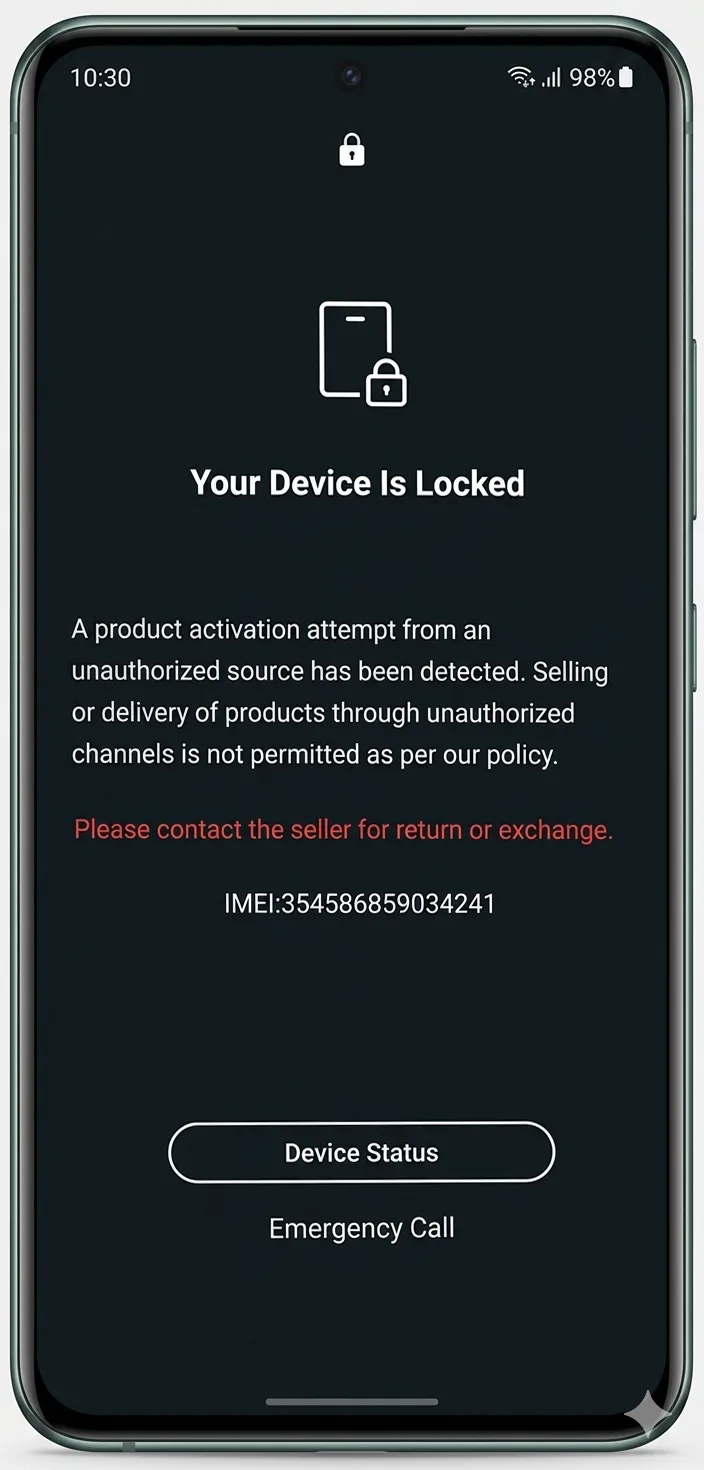
Tecno / Infinix / Itel ID / MDM unlock
$ 2 24.75Price range: $ 2 – $ 24.75
postimages.org or imgbb.com - upload a photo to receive a link
Tecno ID and Infinix ID are personal user accounts created by Transsion Holdings for its brands (Tecno and Infinix). They work as a single ecosystem for data synchronization, cloud storage, remote device management and access to branded services. The principles of operation of Tecno and Infinix accounts are identical, despite the different device shells (HiOS and XOS), and are tied to Transsion Holdings cloud services.
Basic account features
- Data synchronization:Back up contacts, messages, photos and Wi-Fi settings.
- Security: Remotely search for a lost phone, lock the device and protect personal information from theft.
- Ecosystem: Quick connection to accessories (headphones, watches), laptops and Infinix TVs (InSync function).
- Services: Access to branded themes, wallpapers, applications and technical support.
Why do you need an account in practice
Here are some of the most common situations when you will need an account.
- If you forgot the password for the XHide / Safe / Hide application.
- If you have forgotten the password for the application lock function.
If a Tecno / Infinix / Itel ID account has not been linked to these functions, it will not be possible to restore access without losing data.
How to set up an account
- Open Settings – Log in to Tecno / Infinix / Itel ID.
- Enter an existing email address or phone number (no country code, just a number starting with number 9; make sure the country code on the left is correct) or choose to sign in using Google or VK.
- Tick the user agreement box.
- Click Login / Register. An SMS, phone call or letter with a code will be sent to the specified email address or phone number.
- Enter the received code and click Login / Register.
Important final steps
Next, be sure to go to the Profile section. Set a password that you need to remember. Fill in the field
Be sure to open the sectionThis is a very important step, we strongly recommend that you do not neglect these points.
Additional information
https://tecno-cloud.palm.tech/login - TECNO personal account
https://infinix-cloud.palm.tech/login - INFINIX personal account
https://itel-cloud.palm.tech/login - ITEL personal account
To complete an order, you must provide the IMEI and lock photo of the device. Without it, processing is impossible.
Service completion time is from 1 to 5 days. After ordering the service, turn off the device.
You will receive a temporary email address and password in response. Enter them into your device within 2 hours to unlock it.
If your device only asks for a password, enter it to unlock it.
Please note:responsibility for further actions with the device lies with the user.
Similar
-

Telegram Stars / Premium
$ 1.25 36.65Price range: $ 1.25 – $ 36.65 Select options This product has several variations. Options can be selected on the product page. -
iCloud / Passcode / MDM bypass — iPhone / iPad / Apple Watch / MacBook
$ 0.25 281.25Price range: $ 0.25 – $ 281.25 Select options This product has several variations. Options can be selected on the product page. -
Android device check by IMEI / SN
$ 0.15 0.4Price range: $ 0.15 – $ 0.4 Select options This product has several variations. Options can be selected on the product page. -
Android carrier (SIM-Lock) unlock
$ 0.25 78.2Price range: $ 0.25 – $ 78.2 Select options This product has several variations. Options can be selected on the product page.